먼저 node 다운로드
Node.js — Run JavaScript Everywhere
Node.js® is a free, open-source, cross-platform JavaScript runtime environment that lets developers create servers, web apps, command line tools and scripts.
nodejs.org

초록색 버튼 Get Node.js® 클릭
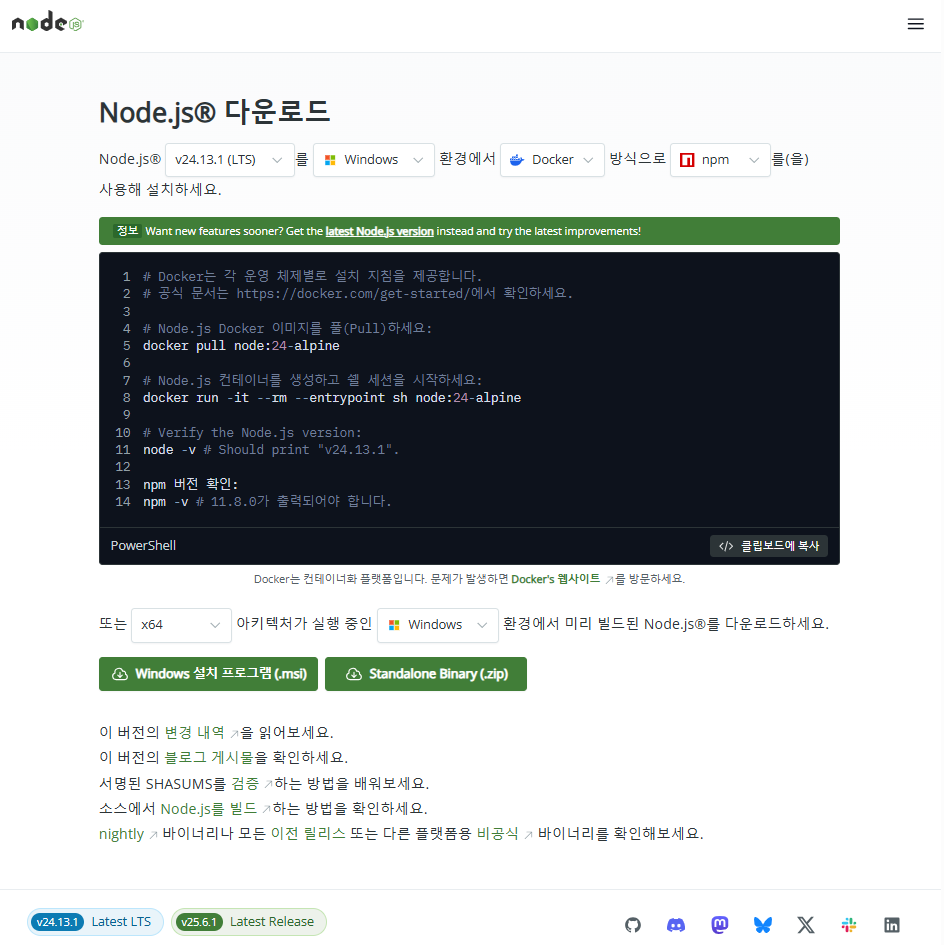
Windows 설치 프로그램 (.msi) 클릭

다운로드 된 파일 실행
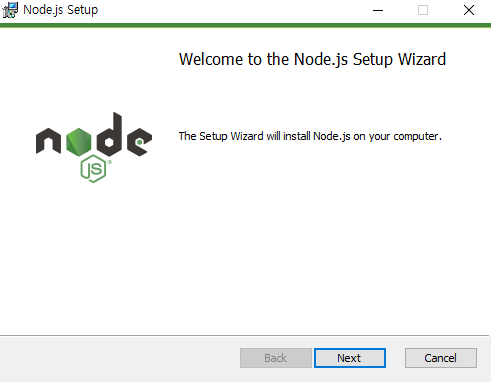
Next

I accept the terms in the License Agreement 체크 후 Next

Next

Next
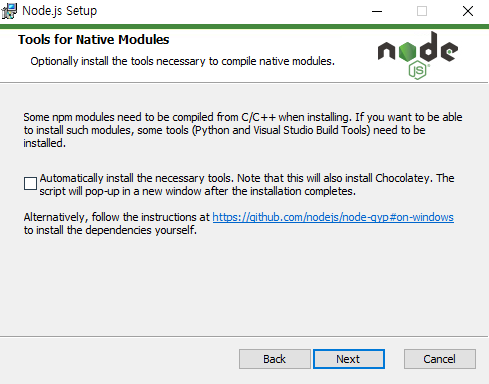
특수 npm 모듈 쓸 때 체크하고 지금은 건너뛰고 Next
예: node-gyp, bcrypt, canvas 같은 거
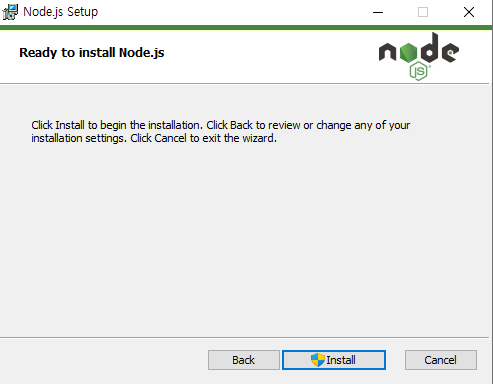
Install
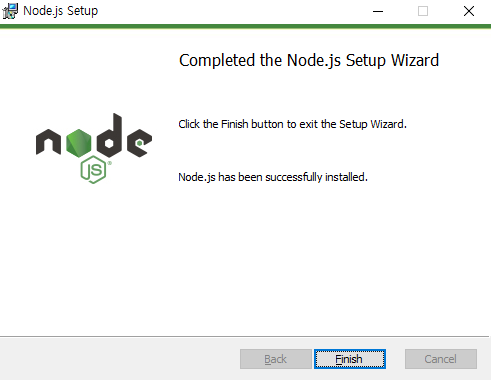
Finish
Node 설치 확인
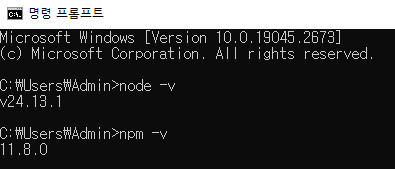
node -v
npm -v
버전(숫자)가 출력된게 보인다
Node 설치 100% 성공
'🎅 오너먼트 프로젝트' 카테고리의 다른 글
| 이벤트 관리 기능 : Spring 구조 설계 정리 (0) | 2026.02.20 |
|---|---|
| 오너블리 프로젝트 GitHub 코드 가져와 Eclipse에 Import하기 (0) | 2026.02.19 |
| DTO 멤버변수 타입 래퍼타입으로 일치시키기 (0) | 2026.02.14 |
| 자바와 쿼리문이 합쳐져 있던 Repository 파일 MyBatis로 결합도 낮춰보기 (0) | 2026.02.11 |
| 람다식 BeanPropertyRowMapper로 코드 줄여보기 (0) | 2026.02.07 |